Reply & Support
Refund Prevention Support Desk
Refund Prevention Support Desk helps prepare refund responses, policy checks, delivery clarifications, and calmer next-step notes in a local ReplyAide workflow before manual use.
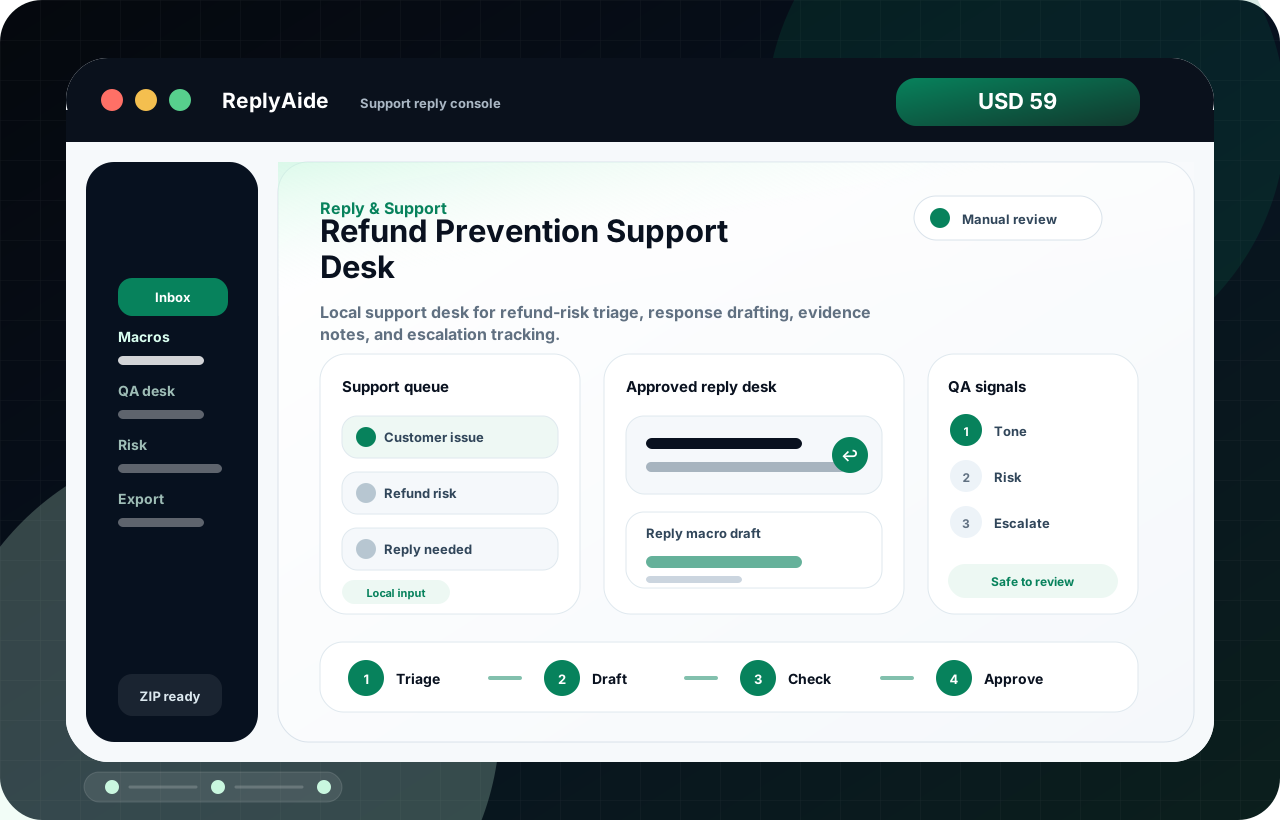 Preview product screenSupport reply console · local workflow console
USD 59One-time purchase price
LocalRuns as a browser-based download workflow
AvailableSecure checkout is available; manual review still required
Best forSupport teams repeating replies, refunds, reviews, and escalation notes.
Opens asSupport reply console inside a branded local ReplyAide app.
ProducesReply drafts, QA labels, risk notes, and tracker-ready follow-ups.
Refund Prevention Support DeskZIP
A
Open the ReplyAide local app
StartDownload, unzip, and open the branded local workflow screen in a browser.
B
Use the workflow assets
BuildWork with templates, tracker fields, setup notes, and QA checklists.
C
Export or copy safely
ReviewFinal copy and operational steps are reviewed by the buyer before use.
Reply workflow decision
Refund Prevention Support Desk: decide by support risk, response speed, and review control.
Support-heavy sellers, operators, and small teams that need cleaner reply drafts, safer escalation notes, and repeatable customer response handling.
Buy, download, unzip, and start the first workflow session without waiting for a hosted account.
Buyer fit
Refund Prevention Support Desk is built for a specific workflow problem.
Use this section to confirm the problem this product is meant to solve, read the related free guide, and compare nearby tools only when the same workflow repeats.
01
refund prevention support deskHow do I make refund prevention support desk safer before a support agent sends the reply?
Main problem
02
Use it when the same customer questions, refund friction, review replies, or inbox triage tasks keep repeating.Reply drafts, macro structure, review notes, risk labels, escalation guidance, tracker rows, and QA checklists.
Buyer fit
03
digital download delivery checklist · digital download refund prevention · customer support macro examples · refund response template ecommerceRelated use cases stay close to what this product actually includes.
Use cases
customer complaint response template
Customer Complaint Response Template
A customer complaint response template for acknowledging issues, gathering facts, setting next steps, and preventing risky replies.
Read the guidecustomer support escalation matrix template
Customer Support Escalation Matrix Template
A customer support escalation matrix template for severity, owner routing, response windows, and macro do-not-use rules.
Read the guidecustomer support macro examples
Customer Support Macro Examples
Customer support macro examples for refunds, delivery issues, escalation, confused buyers, missing files, account access, and manual QA review.
Read the guideHelpful next steps
Keep comparing without starting over.
If this product is close but not exact, use the related guide and adjacent products below to find the better fit before checkout.
- Primary product page: Refund Prevention Support Desk.
- Main problem: refund prevention support desk.
- Supporting guide: Customer Complaint Response Template.
- Supporting guide: Customer Support Escalation Matrix Template.
- Adjacent product: AI Inbox Triage & Reply Desk.
- Adjacent product: Customer Support Macro QA Desk.
Actual use preview
The page now shows the workflow, not just a product name.
See the first working session before checkout: what opens, what the buyer fills in, and what gets reviewed before any outside action.
- 01Open a branded local consoleThe buyer opens a ReplyAide workflow screen from the downloaded product folder.
- 02Work through a guided deskReply drafts, macro structure, review notes, risk labels, escalation guidance, tracker rows, and QA checklists.
- 03Keep the safe-use boundary clearIt does not send replies, contact customers, manipulate reviews, or connect to private support accounts by default.
ReplyAide · Support reply console
Local ZIP preview
Support queue
Start with the repeated workflow inputs that slow the buyer down.
Customer issueCurrent itemOpen
Refund riskPrepared fieldReady
Reply neededPrepared fieldReady
Approved reply desk
Refund Prevention Support Desk helps prepare refund responses, policy checks, delivery clarifications, and calmer next-step notes in a local ReplyAide workflow before manual use.
Review, export, and use manually
The buyer stays in control. ReplyAide structures the workflow, but external sending, posting, importing, and account actions remain manual.
Reply macro draftStructured working draft for human review.
Tone-checked draftRows, notes, or setup fields the buyer can copy.
Tone · Risk · EscalateQA labels that keep the workflow clear.
First-session flow
1. TriageOpen locally.
2. DraftLoad the assets.
3. CheckBuild the draft.
4. ApproveReview before use.
First 10-minute product session
Product preview
ReplyAide / Support reply console
Manual review
Approved reply desk
Refund Prevention Support Desk helps prepare refund responses, policy checks, delivery clarifications, and calmer next-step notes in a local ReplyAide workflow before manual use.
Reply macro draft
Review
Tone-checked draft
Copy
Purchase clarity
Understand the workflow before checkout.
The storyboard shows the first session, the inputs, the output, and the review boundary in one clean path.
01
Open the local console
The buyer opens the branded ReplyAide Support reply console from the downloaded product folder.
02
Fill the guided fields
Customer issue, Refund risk, and Reply needed become the working inputs.
03
Build review-ready assets
Reply drafts, macro structure, review notes, risk labels, escalation guidance, tracker rows, and QA checklists.
04
Approve before use
It does not send replies, contact customers, manipulate reviews, or connect to private support accounts by default.
Buyer's quick decision
Fast clarity before the product asks for payment.
This section turns the product page into a purchase checkpoint: who should use it, what opens first, what comes out, and which expectations are intentionally outside the offer.
Good fit
Refund Prevention Support Desk is for a repeated workflow, not a vague automation wish.
Support-heavy sellers, operators, and small teams that need cleaner reply drafts, safer escalation notes, and repeatable customer response handling.
- Use it when use it when the same customer questions, refund friction, review replies, or inbox triage tasks keep repeating.
- Best for buyers who can open a local browser file and review outputs manually.
- Purchase availability stays clear after delivery has been verified.
What opens
Support reply console
The buyer opens a branded local ReplyAide console from the downloaded product folder.
Inputs
Support queue
Customer issue, Refund risk, Reply needed are organized into a guided workflow.
Outputs
Reply macro draft
Reply drafts, macro structure, review notes, risk labels, escalation guidance, tracker rows, and QA checklists.
Not included
No automatic external actions
It does not send replies, contact customers, manipulate reviews, or connect to private support accounts by default. External sending, posting, account setup, and final decisions stay with the buyer.
Workflow stack
Build a focused stack instead of buying random tools.
This route keeps the purchase decision disciplined: start with the current product, then inspect adjacent tools only if the same operational problem repeats.
Start here
Refund Prevention Support Desk
Reply & Support · USD 59 · Refund Prevention Support Desk helps prepare refund responses, policy checks, delivery clarifications, and calmer next-step notes in a local ReplyAide workflow before manual use.
01
 Add next
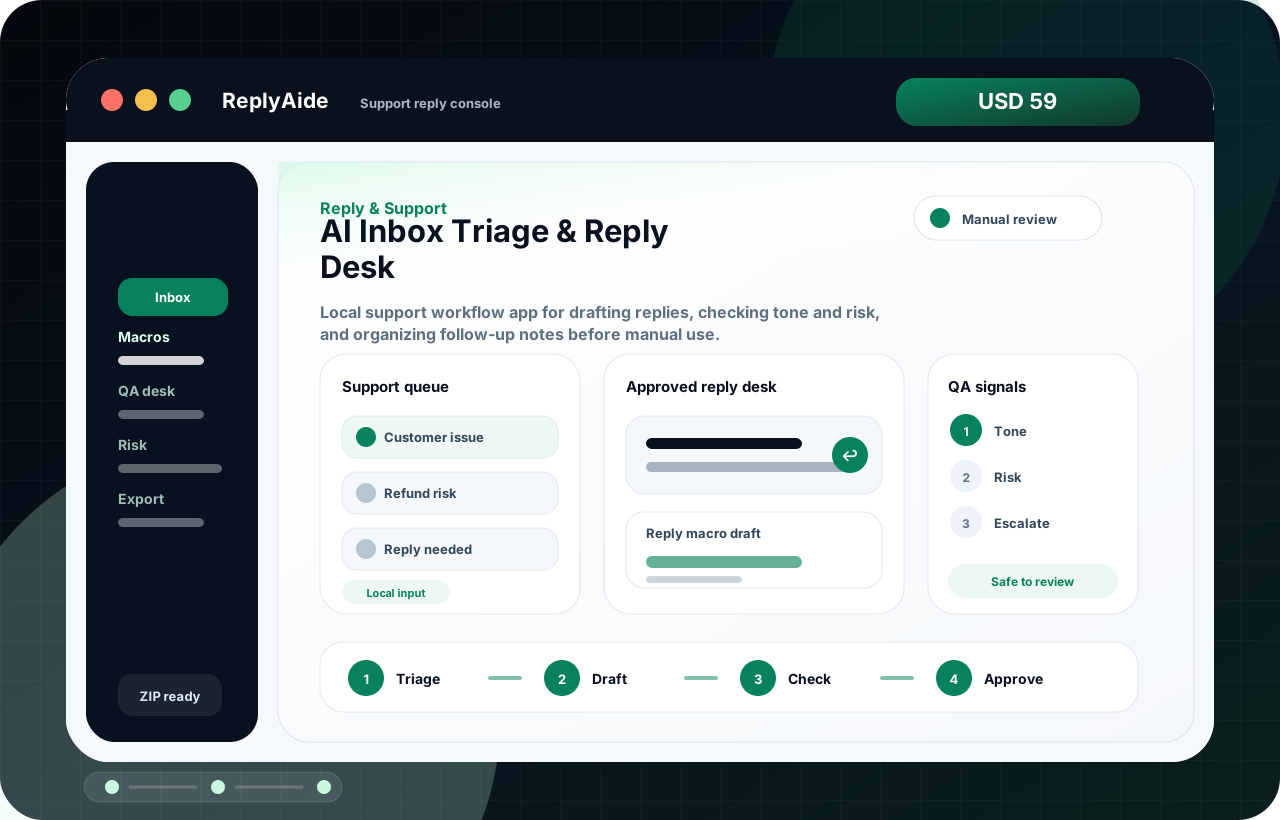
AI Inbox Triage & Reply Desk
Reply & Support · USD 59 · AI Inbox Triage & Reply Desk helps organize support macros, inbox priorities, reply drafts, and risk-review checkpoints in a local ReplyAide workflow before manual use.
02
Add next
AI Inbox Triage & Reply Desk
Reply & Support · USD 59 · AI Inbox Triage & Reply Desk helps organize support macros, inbox priorities, reply drafts, and risk-review checkpoints in a local ReplyAide workflow before manual use.
02
 Expand when ready
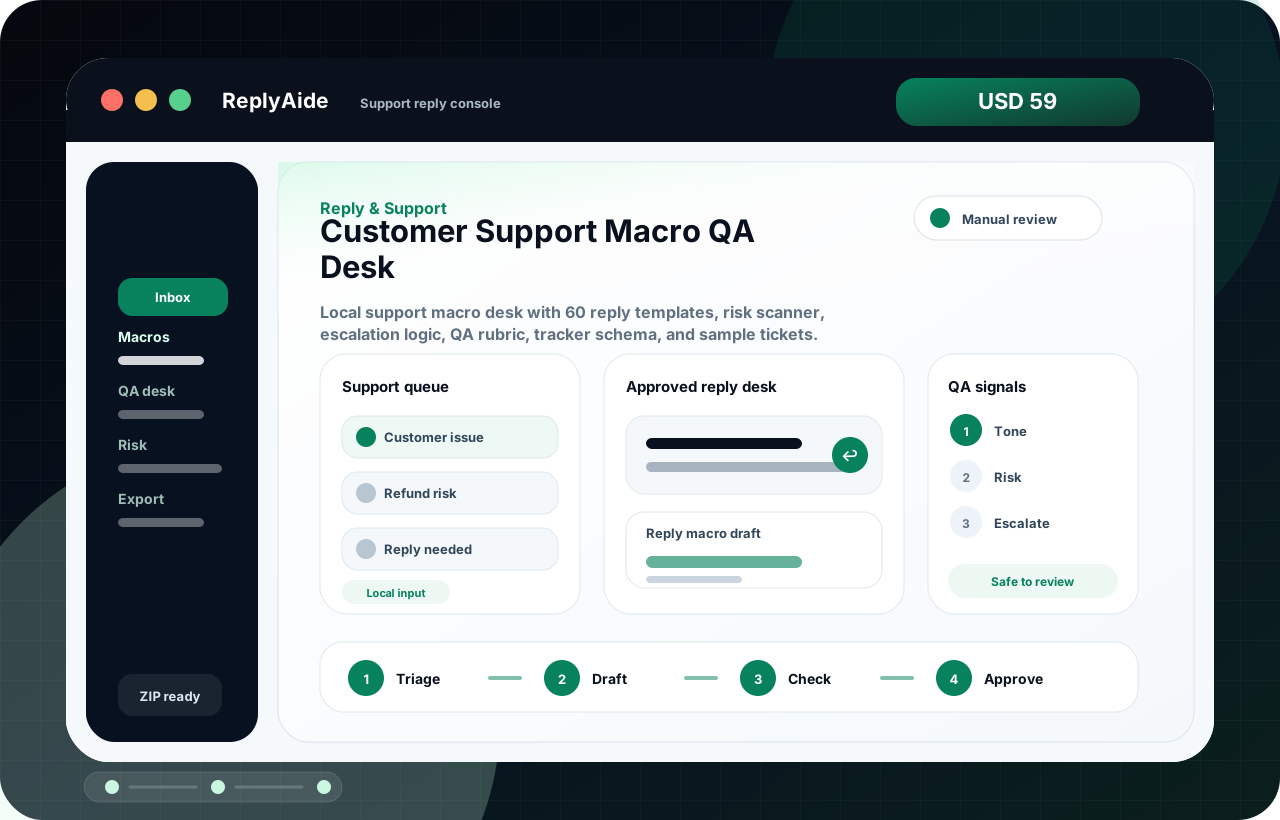
Customer Support Macro QA Desk
Reply & Support · USD 59 · Customer Support Macro QA Desk helps organize support macros, inbox priorities, reply drafts, and risk-review checkpoints in a local ReplyAide workflow before manual use.
03
Expand when ready
Customer Support Macro QA Desk
Reply & Support · USD 59 · Customer Support Macro QA Desk helps organize support macros, inbox priorities, reply drafts, and risk-review checkpoints in a local ReplyAide workflow before manual use.
03
Interactive product preview
Click a sample input and watch the product logic change.
This is not a fake SaaS claim. It is a truth-safe product preview showing how the downloaded ReplyAide console turns workflow inputs into review-ready outputs.
ReplyAide · Support reply console
Demo mode
Selected sample
Customer issue entered
The buyer starts with a real internal case and adds the context needed for Support reply console.
Reply macro draft
Review the first draft before copying it into any external system.
Review checks
Manual review required before use.
Confirm context and buyer policy.
Edit before external use.
Confirm file delivery and support expectations before purchase.
Sample output shape
See the kind of working asset this product is built to produce.
This is a buyer-facing sample of the output structure, not a promise that every case will produce identical wording. It shows the practical shape of the deliverable before checkout.
Input fields
The local console starts from concrete workflow inputs rather than a blank prompt.
- Customer issue
- Refund risk
- Reply needed
Draft or tracker output
Reply macro draft
Reply drafts, macro structure, review notes, risk labels, escalation guidance, tracker rows, and QA checklists.
Human review checklist
It does not send replies, contact customers, manipulate reviews, or connect to private support accounts by default.
- Check buyer context and policy fit.
- Edit tone, details, and next steps before use.
- Keep sending, posting, importing, and account actions manual.
Decision checkpoint
Buy only when the workflow fit is obvious.
This block is intentionally blunt. It helps qualified buyers move faster and keeps the product out of the hands of people expecting a hosted service, account automation, or promised business result.
Buy if
Support teams repeating replies, refunds, reviews, and escalation notes.
The buyer wants a local ReplyAide workflow console, support files, setup notes, and manual-review outputs for a repeated operational problem.
Skip if
You expect automatic external account actions.
This is not an online account dashboard, CRM/SMS/email/review-platform automation, or done-for-you implementation service.
Ask custom
You need account-specific setup or a bespoke workflow.
Use the custom build page instead when the work requires private system configuration, integrations, or a scoped implementation plan.
Buyer walkthrough
Not just a file. The buyer sees the exact first-use path.
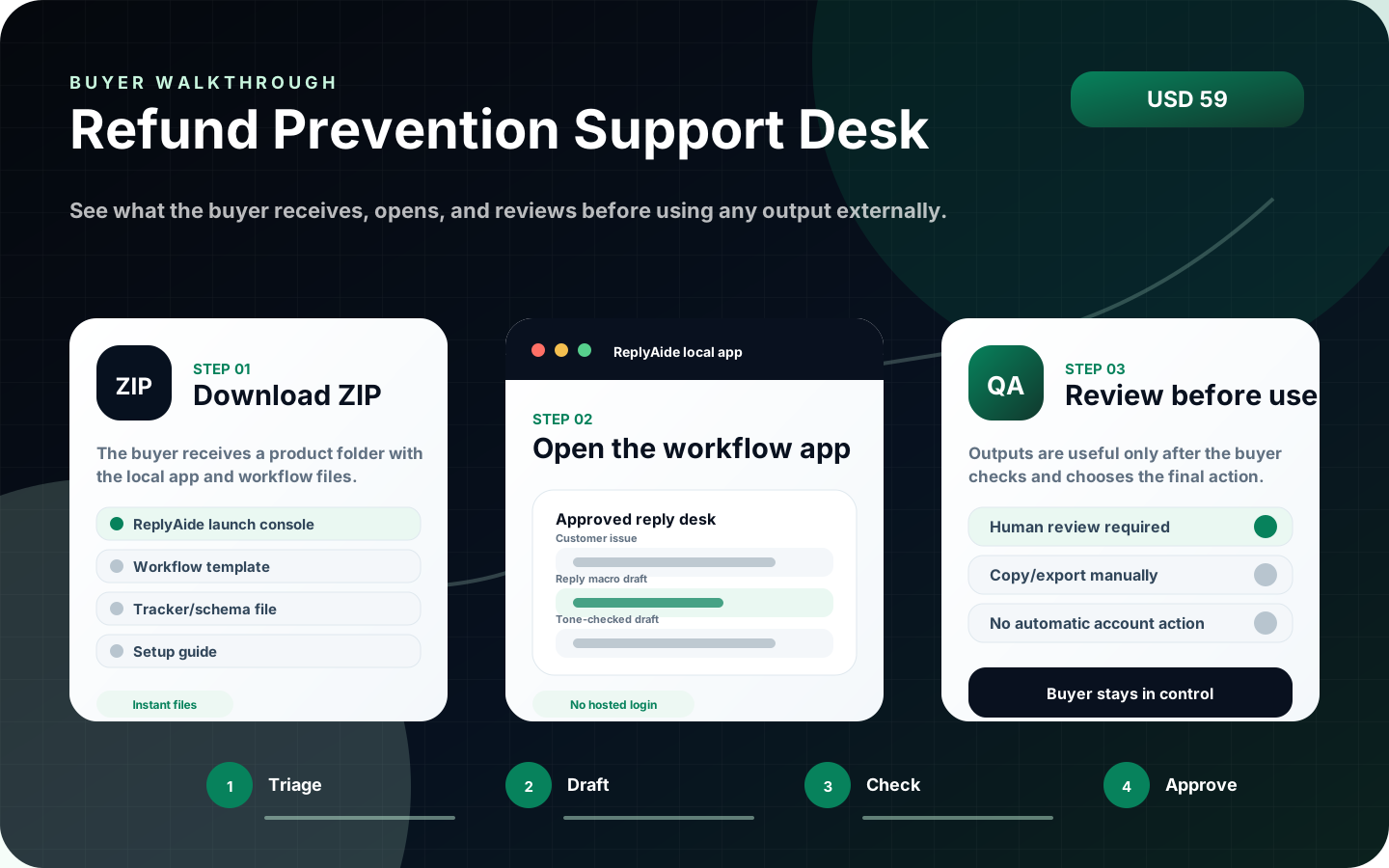
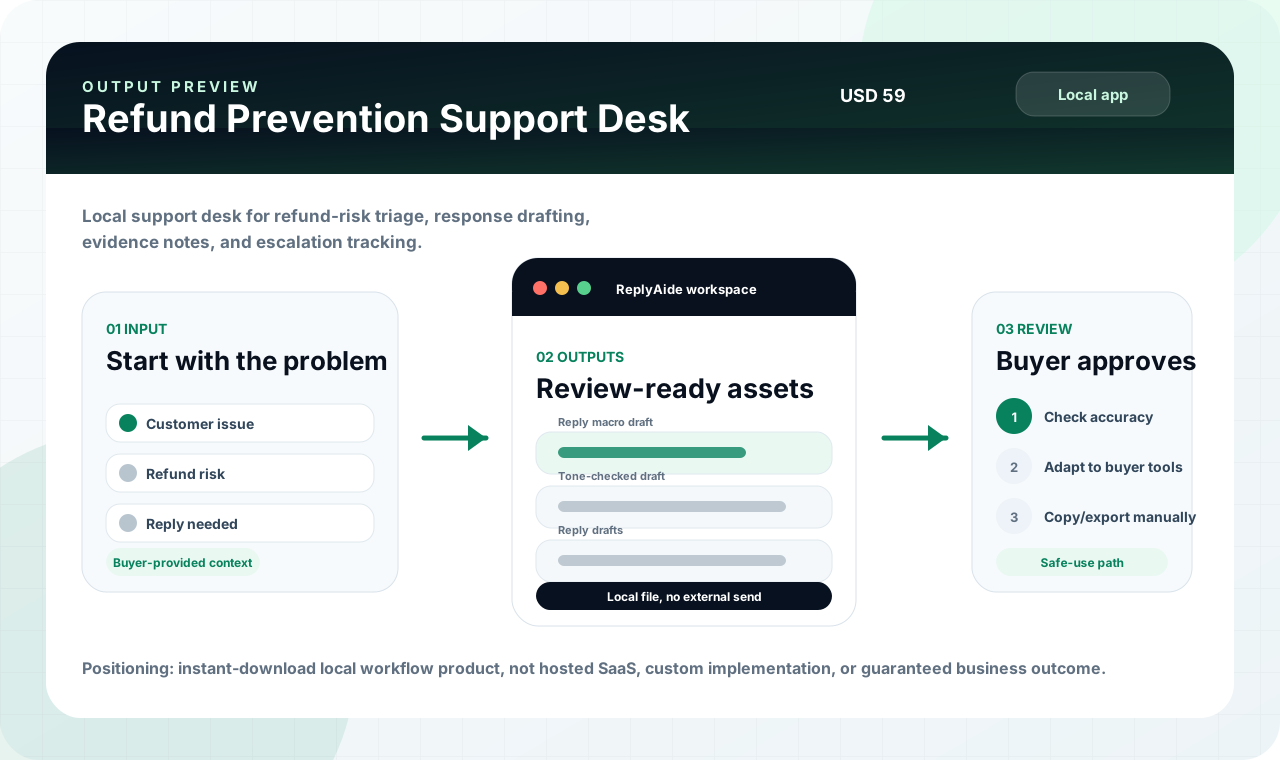
This visual walkthrough shows the purchase expectation in one image: download the ZIP, open the branded ReplyAide local app, then review and copy/export outputs manually. It is designed to answer the “what do I actually do with this?” question before checkout.
Visual proof
Three images explain the product before the buyer reads the fine print.
The product page now shows the buyer the app screen, first-use sequence, and output/review path. This keeps the offer concrete instead of relying on abstract copy.
Before purchase
Clear expectations before this product ever takes payment.
This product is an instant-download local workflow tool. The buyer receives files, opens the branded ReplyAide local app, reviews outputs manually, and uses their own external tools. Secure checkout is available for this product. Review the included files, setup notes, and support boundaries before buying.
- Instant deliverable: branded ReplyAide local app plus workflow files and setup notes.
- Not an online account dashboard, custom implementation service, or outcome-promise product.
- No automatic email, SMS, review, CRM, payment, store, calendar, or AI account action.
- Buyer must review all drafts, templates, tracker rows, and operational outputs before use.
Buyer decision
Use this when the workflow problem is specific.
Support-heavy sellers, operators, and small teams that need cleaner reply drafts, safer escalation notes, and repeatable customer response handling.
- When to use it: Use it when the same customer questions, refund friction, review replies, or inbox triage tasks keep repeating.
- What it helps produce: Reply drafts, macro structure, review notes, risk labels, escalation guidance, tracker rows, and QA checklists.
- Boundary: It does not send replies, contact customers, manipulate reviews, or connect to private support accounts by default.
OpenLocal browser appBuyer opens the included app from the downloaded product folder.
UseTemplate and tracker assetsProduct files support the workflow with structured fields, notes, and checklists.
ReviewHuman approval requiredDrafts and tracker rows are checked before being used externally.
GateVerified Lemon checkoutSecure checkout is available for this product. Review the included files, setup notes, and support boundaries before buying.
Product experience
What the buyer opens after downloading Refund Prevention Support Desk.
This page now explains the product like a real software workflow: what opens first, what files support it, and how the buyer should use the output safely.
01
Local workflow appA browser-based command desk for this workflow, opened from the downloaded product folder.
02
Structured workflow filesTemplate JSON, CSV/schema files, setup notes, and operating checklists that match the product category.
03
Manual-review output pathDrafts and tracker rows are copied or exported only after the buyer reviews them.
 01
02
03
01
02
03
Refund Prevention Support Desk
Refund Prevention Support Desk helps prepare refund responses, policy checks, delivery clarifications, and calmer next-step notes in a local ReplyAide workflow before manual use.
Open local command deskReady
Load workflow templatesIncluded
Generate draft / tracker outputManual
Safe-use boundary
ReplyAide does not send messages, submit forms, connect private accounts, or claim business outcomes. The buyer controls every final action.
External account actionsNot included
Checkout file deliveryVerified
First session
How the buyer should use Refund Prevention Support Desk first.
The product is designed around a simple local workflow: open, load, organize, review. This keeps the offer useful while avoiding unsafe promises about automatic external actions.
01Unzip and openOpen the branded local browser app from the downloaded product folder.
02Load the workflowUse the included templates, fields, sample structure, or setup notes.
03Generate or organizeCreate draft copy, tracker rows, checklist items, or operating notes.
04Review before external useCheck everything before sending, posting, importing, or relying on the output.
What it does
Refund Prevention Support Desk is an instant-download local browser app and workflow kit for founders, support teams, creators, course sellers, and digital-product operators. The buyer receives a ZIP immediately after purchase. The first-open experience is presented as a branded ReplyAide local app with workflow files and setup notes grouped around the same product purpose. This is not an online account dashboard, not a custom implementation service, and not a guaranteed outcome product. External tools such as CRM, SMS, email, calendar, phone, payment, AI, and API accounts must be configured separately by the buyer.
Included immediately
- Branded local browser app: ReplyAide Refund Prevention Support Desk
- Workflow template JSON
- Google Sheet / tracker schema CSV
- Ready-to-edit templates and sample records
- Setup guide, QA checklist, troubleshooting, and support boundaries
- License and anti-resale terms
Important boundaries
This is not an online account dashboard, not a custom implementation service, and not a guaranteed outcome product. External tools such as CRM, SMS, email, calendar, phone, payment, AI, and API accounts must be configured separately by the buyer.
Fit check
Buy this only when the workflow matches the problem.
This section is intentionally direct. It improves buyer confidence by making the delivery model, manual-review boundary, and support scope clear before purchase.
Best fitOperators who want a local workflow desk
Useful when the buyer needs structure, templates, tracker rows, QA steps, and repeatable manual review.
Not forBuyers expecting automatic account actions
Not for automatic emails, SMS, CRM sync, review posting, payment actions, or private account setup.
SetupOpen locally and adapt the assets
The buyer downloads the ZIP, opens the local app, reviews the included setup notes, and adapts outputs to their own tools.
SupportFile access and product clarification
Support covers download/file questions and included-product clarification, not unlimited custom implementation.
Product QA review
What is checked before this product is offered for purchase.
Refund Prevention Support Desk passed ReplyAide product review for clear digital delivery expectations, included workflow assets, manual-review boundaries, support policy visibility, and checkout checks.
Buyer clarity
5 / 5
The page explains the included workflow, first-open path, support scope, and manual-review boundary before checkout.
Digital delivery
The product is presented as a downloadable package with no physical shipping requirement and a clear first-use path after purchase.
Refund boundary
Access problems, duplicate charges, missing deliverables, and clear file defects are handled under the refund and delivery policy.
Product FAQ
Clear answers before checkout goes live.
These questions are written directly on the page and mirrored in structured data so the product is easier to understand before anyone buys.
What does Refund Prevention Support Desk include?
Refund Prevention Support Desk is an instant-download ZIP with a branded ReplyAide local app, setup notes, workflow/template assets, tracker or schema files, and manual-review guidance described on this page.
Is this an online account subscription?
No. The core product is a downloadable local workflow product that opens in a browser from the buyer's own device. It does not require an online ReplyAide login for the included local files.
Does it automatically send emails, SMS, reviews, CRM updates, or account actions?
No. The product helps organize drafts, templates, tracker rows, and workflow notes. The buyer reviews outputs and uses their own external tools if they choose to send, import, post, or configure anything.
Can buyers resell or re-upload the files?
No. The license is for the buyer's internal business or client-operation use. Re-uploading, reselling, sublicensing, mirroring, or publishing the product files as a competing product is not allowed.
Is this product ready to buy?
Yes. This product has an active checkout link and checked download delivery. Buyers should still review the delivery, license, support, and AI-output boundaries before payment.
What support is included?
Support is limited to file access, opening the local app, understanding included files, and clarifying product boundaries. Custom implementation, third-party account setup, and done-for-you service work require a separate quote.
Related tools
Use related products to build a focused bundle after purchase and delivery details are confirmed.
Reply & Support
AI Inbox Triage & Reply Desk
AI Inbox Triage & Reply Desk helps organize support macros, inbox priorities, reply drafts, and risk-review checkpoints in a local ReplyAide workflow before manual use.
ForSupport teams repeating replies, refunds, reviews, and escalation notes.
OpensSupport reply console
OutputReply drafts, QA labels, risk notes, and tracker-ready follow-ups.
TriageDraftCheck
Local app
Workflow files
Manual QA
Instant downloadSecure checkout is open for instant ZIP delivery.
Open secure checkout
USD 59
 Reply & Support
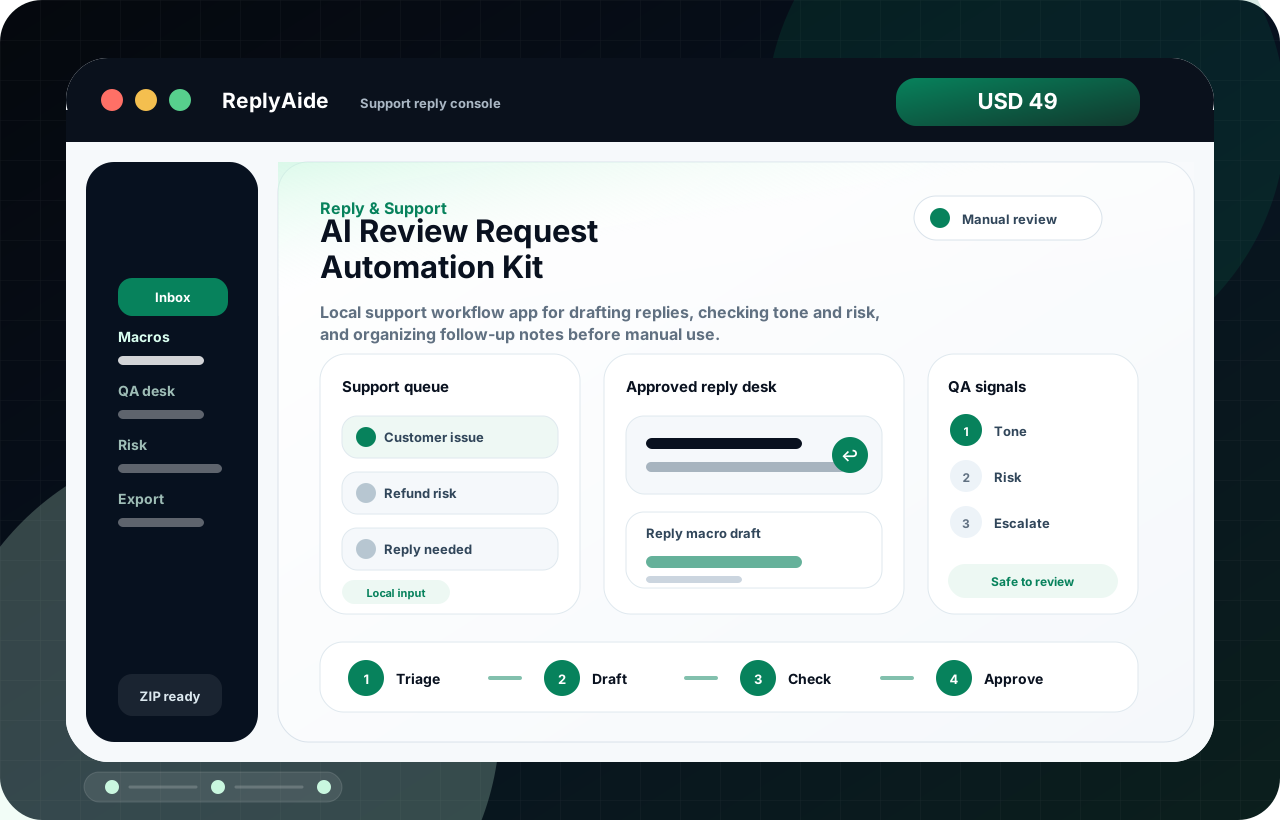
AI Review Request Automation Kit
AI Review Request Automation Kit helps plan review-request timing, approval-safe asks, follow-up rules, and feedback routing in a local ReplyAide workflow before manual use.
ForSupport teams repeating replies, refunds, reviews, and escalation notes.
OpensSupport reply console
OutputReply drafts, QA labels, risk notes, and tracker-ready follow-ups.
TriageDraftCheck
Local app
Workflow files
Manual QA
Instant downloadSecure checkout is open for instant ZIP delivery.
Open secure checkout
USD 49
 Reply & Support
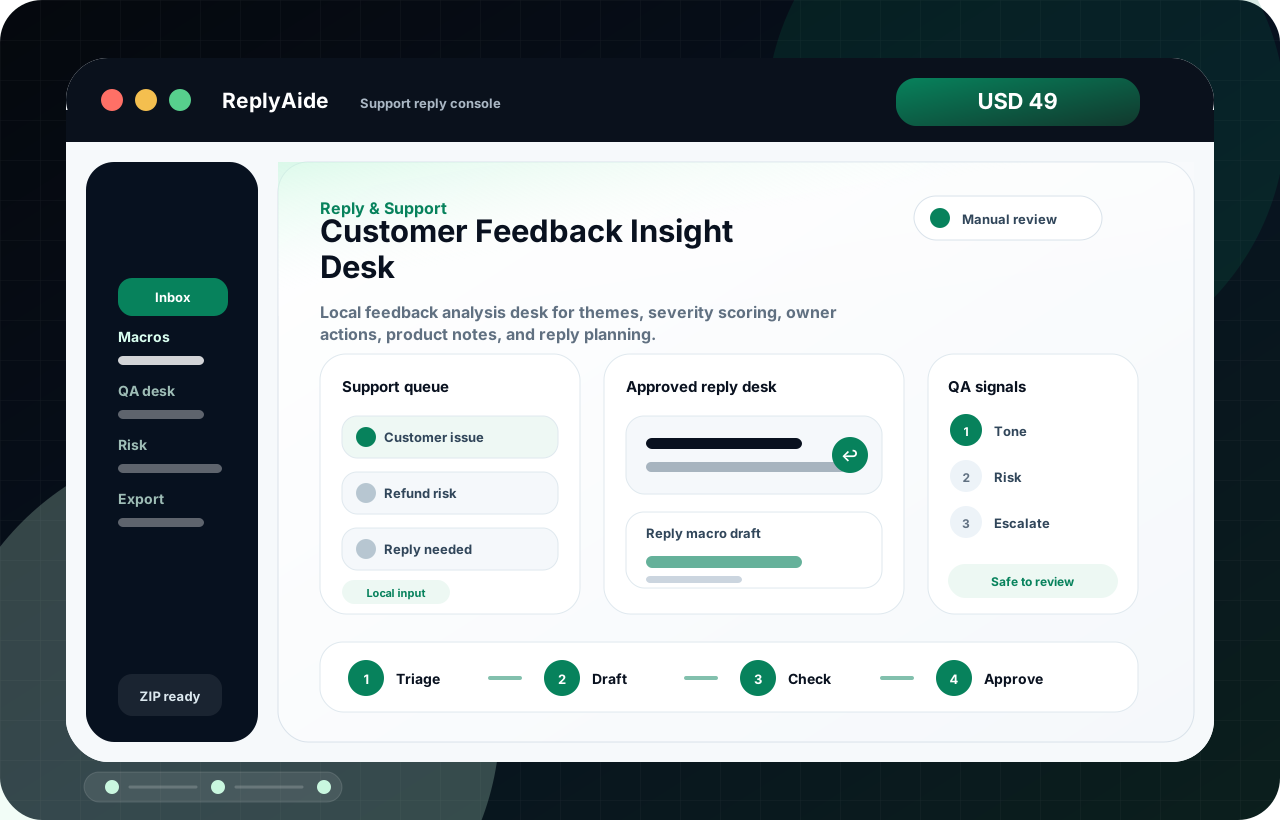
Customer Feedback Insight Desk
Customer Feedback Insight Desk helps capture proof, reusable content angles, buyer language, and review-ready story structure in a local ReplyAide workflow before manual use.
ForSupport teams repeating replies, refunds, reviews, and escalation notes.
OpensSupport reply console
OutputReply drafts, QA labels, risk notes, and tracker-ready follow-ups.
TriageDraftCheck
Local app
Workflow files
Manual QA
Instant downloadSecure checkout is open for instant ZIP delivery.
Open secure checkout
USD 49